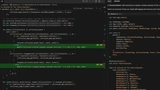
Mckay Wrigley walks through building a small FigJam-style whiteboard app from the ground up, using Claude Code paired with the Opus 4 model inside Cursor IDE.
Setup
The project starts from the McKay App Template, a Next.js stack with Supabase and Clerk already wired up for auth and a database, so you jump straight into feature work.
Working With an AI Agent
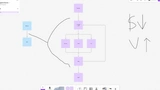
You'll set up a cloud.md file with rules for the agent to follow and track work in a tasks/to-do.md file, then use that workflow to build out the editor's core: stickers, shapes, text, drag actions, boards, and saving and loading board state, along with the overall FigJam-style layout.
The single workshop session is built around short, concrete tasks rather than theory, so you come away with a working pattern for pairing Claude Code with a real project.